
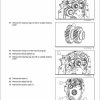
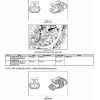
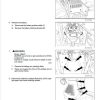
For Case Optum 270 CVT, 300 CVT Tractor, this reference brings together the listed repair manual material. Start with Engine and follow the relevant document section for the task.
What’s Covered Inside
Contents
Introduction
Engine
Clutch
Transmission
Four Wheel Drive (4WD)
Front Axle Systems
Rear Axle Systems
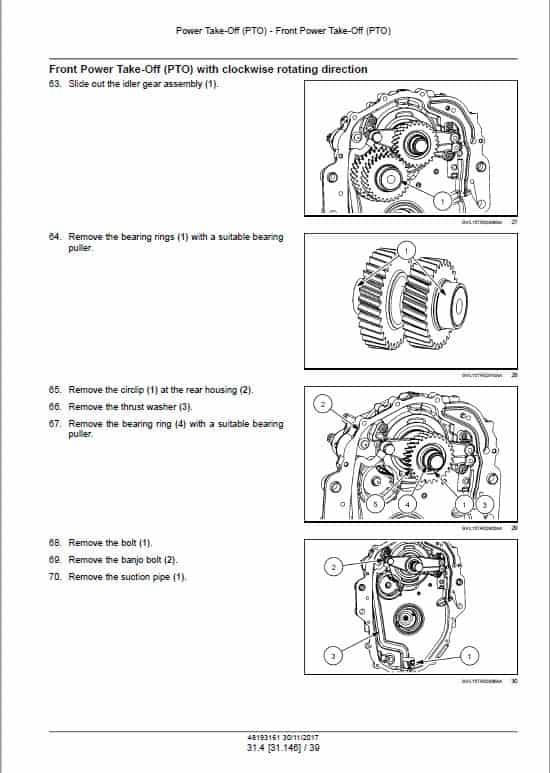
Power Take Off
Brake and Controls
Hydraulic Systems
Hitches, Drawbars and implement couplings
Frames and ballasting
Steering
Wheels
Cab Climate Control
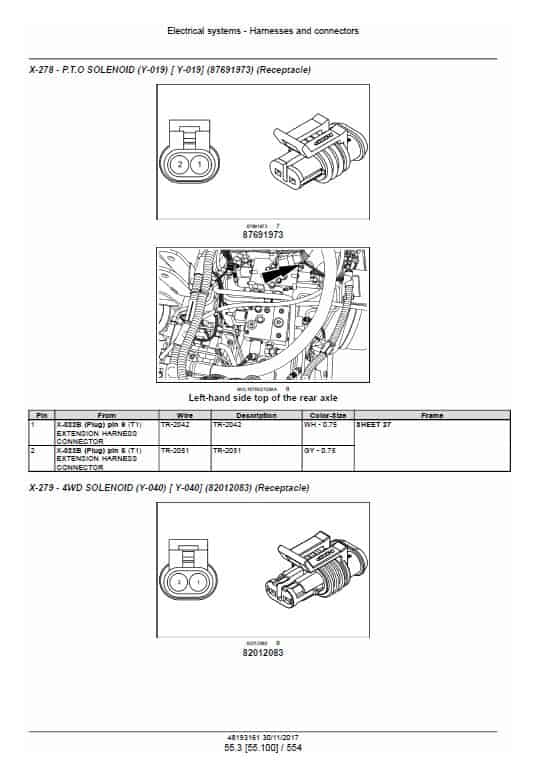
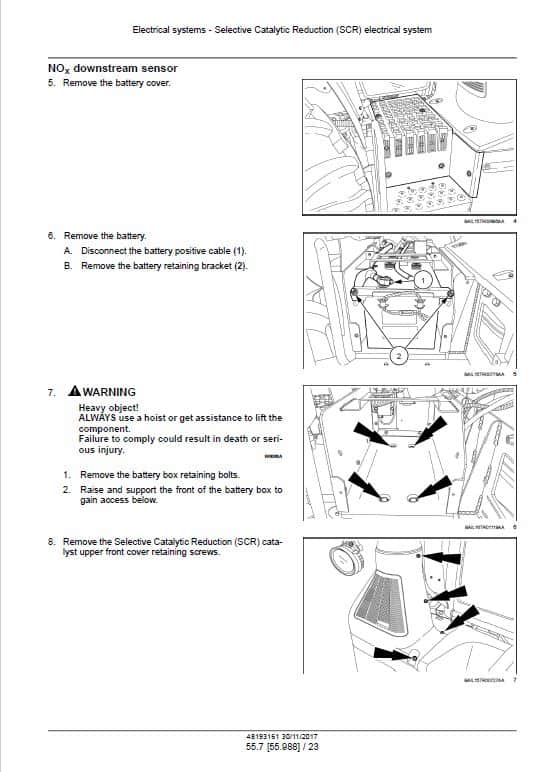
Electrical System
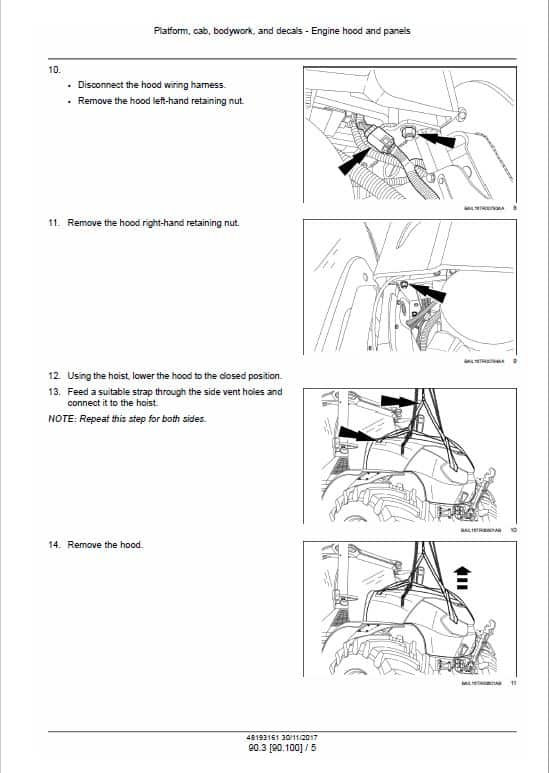
Platform, cab, bodywork and decals
Special Tools
Manual Extract: Auto PTO
This facility provides an automatic starting and stopping of the PTO in relation to the raising or lowering of the lift arms.
The height at which this occurs is pre-programmed by the operator.
To activate the Auto function, engage the PTO as previously described and then depress and hold the switch (1), for more than one second. The Auto PTO lamp on the switch will illuminate to confirm activation. With the 3 point hitch in the lowered position and the PTO engaged, the Auto lamp will remain on. Raising the implement will disconnect PTO drive and cause both PTO and Auto lamps to flash. Lowering the implement will re-engage PTO drive, both lamps will cease to flash and will remain illuminated. Depressing the Auto PTO switch again will de-activate the function and the Auto lamp will extinguish.
NOTICE: If the PTO is operating when the Auto function is de-activated, the PTO will continue to rotate until switched off using the main PTO control.
NOTE: The Auto PTO function is de-activated every time the key start is switched off but the current programmed on/off values will be stored in the memory.
Use publication 48193161 (Nov 2017) with the Optum 270 CVT, 300 CVT model details to select the appropriate documentation. Refer to Engine within its stated document and equipment scope.


Reviews
There are no reviews yet.